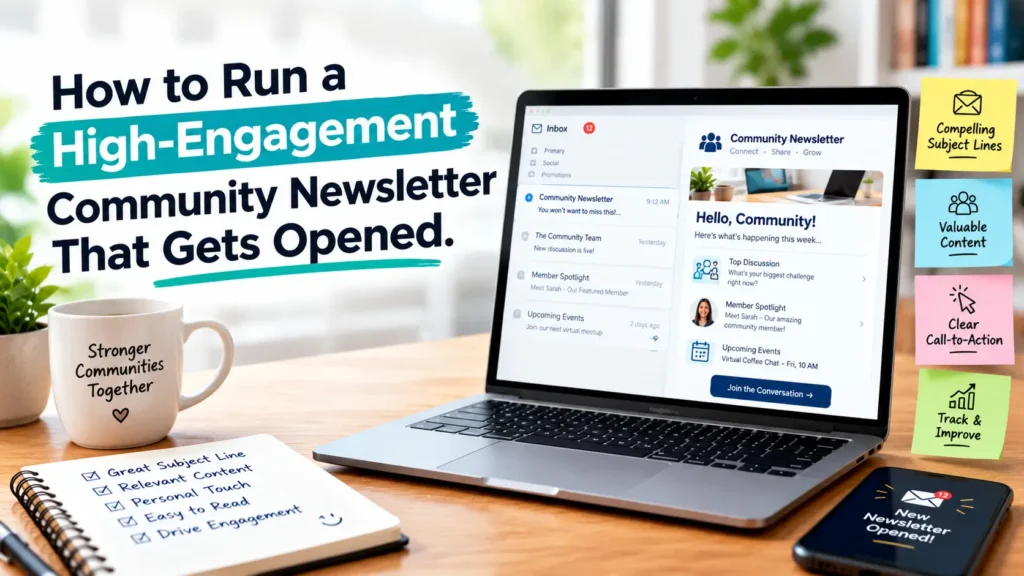

Your community is busy. Their inbox is full. And most newsletters never get opened. I have been on both sides of this. I have ignored good newsletters. I have also written newsletters that people ignored. This post is the system that finally worked for me.
When I started, I thought a community newsletter meant sharing everything. Every link. Every update. Every thought. I was wrong. People do not want everything. They want one useful thing, delivered consistently, in a voice they recognise.
In this guide I will show you exactly how I run a newsletter that people open, read, and reply to. No tricks. No borrowed templates that sound robotic. Just practical steps you can copy this week. I will also share the failure that cut my open rate in half.
Why Most Community Newsletters Get Ignored

I have audited dozens of community newsletters. The pattern is consistent. They are ignored for simple reasons. Not because the community does not care. Because the email does not earn attention.
Here is what I see again and again:
- Too long. A community update should not feel like homework. If it takes more than 4 minutes to read, most people save it for later. Later never comes.
- No clear value. If the reader cannot answer “What will I get from this?” in five seconds, they close it. Every issue needs one clear promise.
- Inconsistent. One week you send on Tuesday. Next week you skip two weeks. Then you send three times. Trust comes from rhythm. Inconsistency breaks it.
- No human voice. Many newsletters sound like announcements. Communities respond to people, not announcements. Use your real voice.
- Everything for everyone. When you write for the whole list the same way, you write for no one. Segmentation is not advanced. It is basic respect.
Fixing these four things lifts performance more than any design tweak. According to the Litmus Email Client Market Share report, readers decide fast. And the Nielsen Norman Group has long documented that email usability is about scannability and clarity, not clever layout. That matches what I see in my own data.
My opinion: Short beats comprehensive. I would rather send 250 useful words every week than 1200 words once a month that no one finishes.
For more on building a healthy base, see my guide on email list building the right way.
The Mistake I Almost Made – My Open Rate Crash
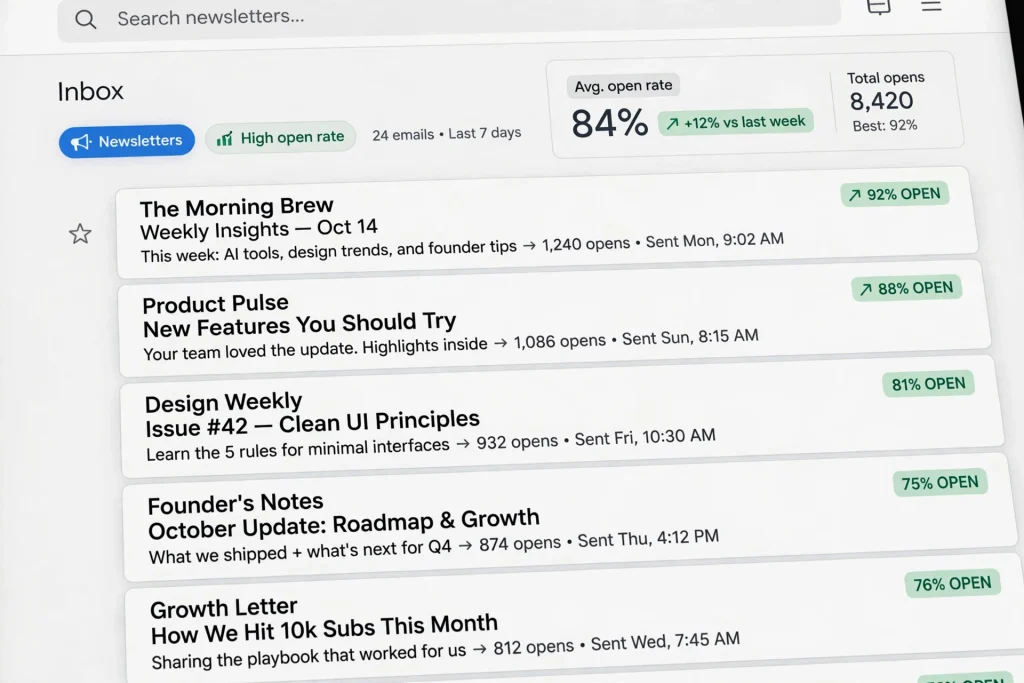
This is the failure I promised. Early on, I ran a small community of about 400 people. Writers, mostly. I was excited. Every week I sent a long email. It had a personal essay, about 1200 words. Then eight links. Tools, articles, job posts, events. All in one email.
My subject line was vague. It was “Update #12” or “This week in community”. I sent it to everyone at once. No segments. No preview text. I thought more value meant more links.
It did not. My open rate dropped to 12%. Unsubscribes spiked after two issues. Replies stopped. One member wrote, “I love this community, but I skip these emails. Too much.” That was hard to read. It was also honest.
What I learned:
- One issue should have one job. Not eight.
- Vague subject lines punish you. Gmail and Apple Mail show them with no context.
- If you give people eight links, they click none. Choice overload is real.
- Long essays belong on your site. Newsletters should link to them with a clear reason.
I changed everything the next week. I wrote 280 words. One idea. One link to the full post. One question at the end. Subject line: “The 15-minute writing habit that fixed my drafts.” Same list. The open rate recovered over the next three sends. Not because of a trick. Because I made a clear promise and kept it.
My opinion: The best apology for a bad newsletter is a better next one. You do not need to explain your crash. Just change the format and keep showing up.
What High-Engagement Actually Means
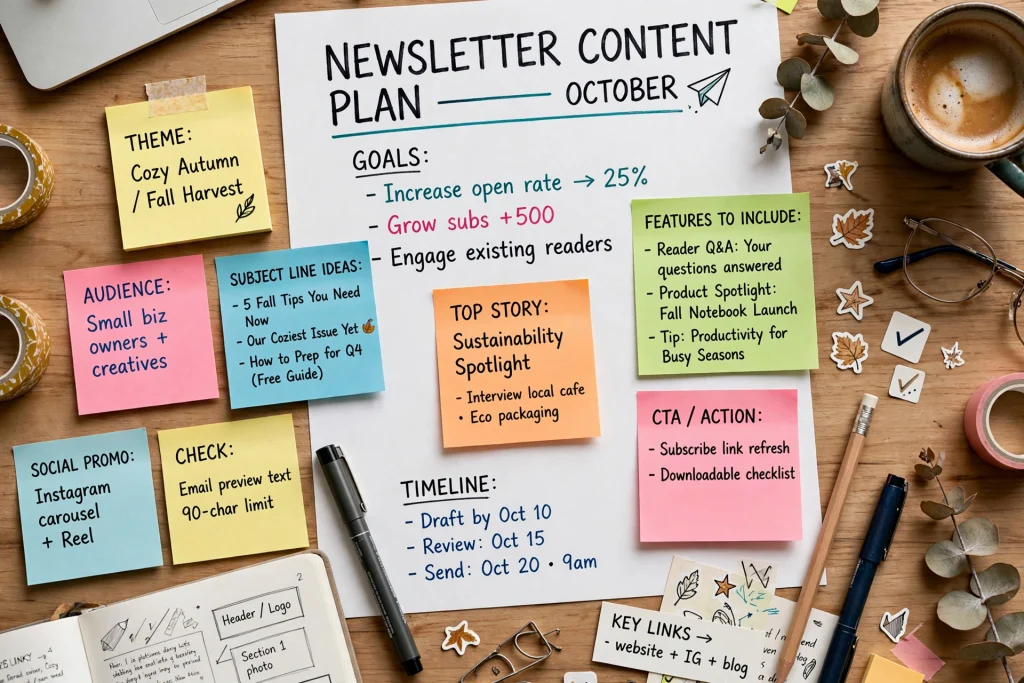
Let us define terms. This helps you track what matters. And it keeps you from chasing vanity metrics.
Fact: Open rate is an estimate. Since Apple Mail Privacy Protection, opens are less reliable. Litmus and other email analytics providers have documented this shift. Open rate still shows direction, but it is not perfect.
Fact: Click rate is more reliable. It measures action. Did someone click a link? That is intent.
Fact: Reply rate is gold for community newsletters. A reply means trust. It also helps deliverability because providers like Gmail see conversation.
Fact: Retention is the real health metric. Are people still on your list after 30, 60, 90 days? If yes, you are doing something right.
What are realistic benchmarks? The Campaign Monitor Benchmarks The report publishes yearly averages by industry. Community and non-profit newsletters usually perform above average because the relationship is stronger. But do not copy a benchmark. Build your own baseline over four issues, then improve from there.
For compliance and trust, you also need to follow the CAN-SPAM FTC Guidelines and the Google Gmail Bulk Sender Guidelines. These are not optional. They affect whether your emails reach the inbox at all.
- Open rate: Useful as a trend. Watch it weekly, but do not obsess over a single dip.
- Click rate: Aim to improve click-to-open. One strong CTA beats three weak ones.
- Reply rate: Track how many people reply to your question. Even 2-5% is excellent for community.
- Retention: If unsubscribes are under 0.5% per send and list keeps growing slowly, you are healthy.
My opinion: For community newsletters, I track replies first, clicks second, opens third. Replies tell me if people feel safe talking back. That is engagement that matters.
How I Structure a Newsletter That Gets Opened
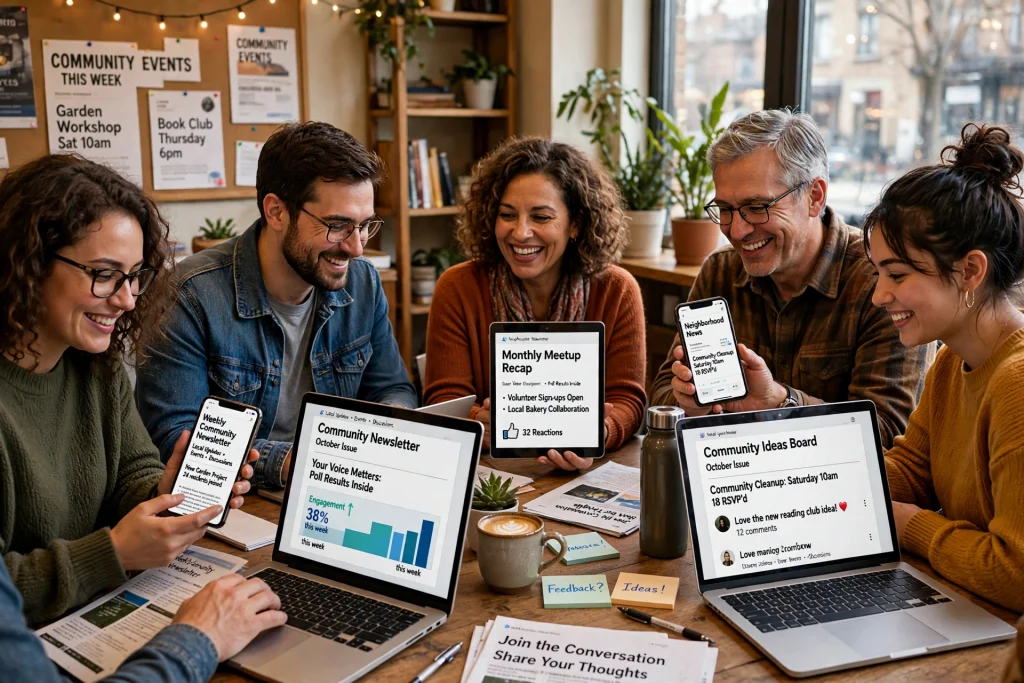
This is my current framework. It is simple. It takes me 60 to 90 minutes to write. It works because it respects time and gives one clear win.
5-part structure:
- 1. Hook (30-40 words): Start in the middle of a problem. Not “Hello, friends.” Example: “Last Tuesday, 23 people replied to one question. That question took me 2 minutes to write.” Short. Specific. Curiosity.
- 2. One Big Win (120-150 words): One actionable idea your community can use today. Not a list of ten. One. Explain what it is, why it works, and how to do it in 10 minutes. Link to a deeper resource if needed. This is your value anchor.
- 3. Community Spotlight (60-80 words): Highlight one member, one win, one resource. Use first names with permission. Keep it short. People read newsletters to see themselves and others like them. This is why community beats solo blogs.
- 4. One Question (1 sentence): End your main content with a real question you actually want answers to. Not “What do you think?” but “What is one subject line that got you to reply this month?” Make replies easy.
- 5. Soft CTA (20 words max): One next step. Not three. Example: “If this helped, forward to one community builder.” Or link to your full guide at /community-engagement-ideas/.
Formatting rules I follow:
- Max 320 words in the email body. Everything else lives on the blog post.
- One link in the first half. One link at the end. No more than three total.
- Line length under 75 characters. Use short paragraphs.
- Use bold for the promise, not for decoration.
My opinion: The One Big Win section is where most newsletters fail. They try to teach everything. I think teaching one small thing well builds more trust than teaching five things poorly.
Building Your List the Right Way
A high-engagement newsletter starts before you send. It starts with consent. If people did not ask to get your emails, they will not open them. And you risk violating Gmail and FTC rules.
Here is what I do:
- Consent first: Only add people who opted in through a form, not from a scraped list or event roster. Explain what you send and how often.
- Double opt-in when possible: Yes, you lose some subscribers. But those who confirm are more likely to open. It also protects you from fake emails.
- Welcome sequence: Send 2 emails in the first week. Email 1: What to expect. Email 2: Your best community story or resource. Keep each under 250 words.
- Set expectations on the form: “Weekly on Thursday, 3-minute read, one idea + one member win.” Clear expectations increase open rates because people know what they signed up for.
For compliance, include your physical address and an easy unsubscribe link. This is required under CAN-SPAM. Gmail’s Bulk Sender Guidelines also now require one-click unsubscribe for large senders and proper authentication (SPF, DKIM, DMARC). Do not skip this.
Internal link: If you are starting from scratch, read my detailed email list-building guide. It covers forms, landing pages, and welcome flow without fluff.
My opinion: I prefer a smaller, engaged list over a large cold list. 300 readers who reply beats 3000 who ignore. Growth is nice. Trust is better.
Subject Lines That Work Without Clickbait
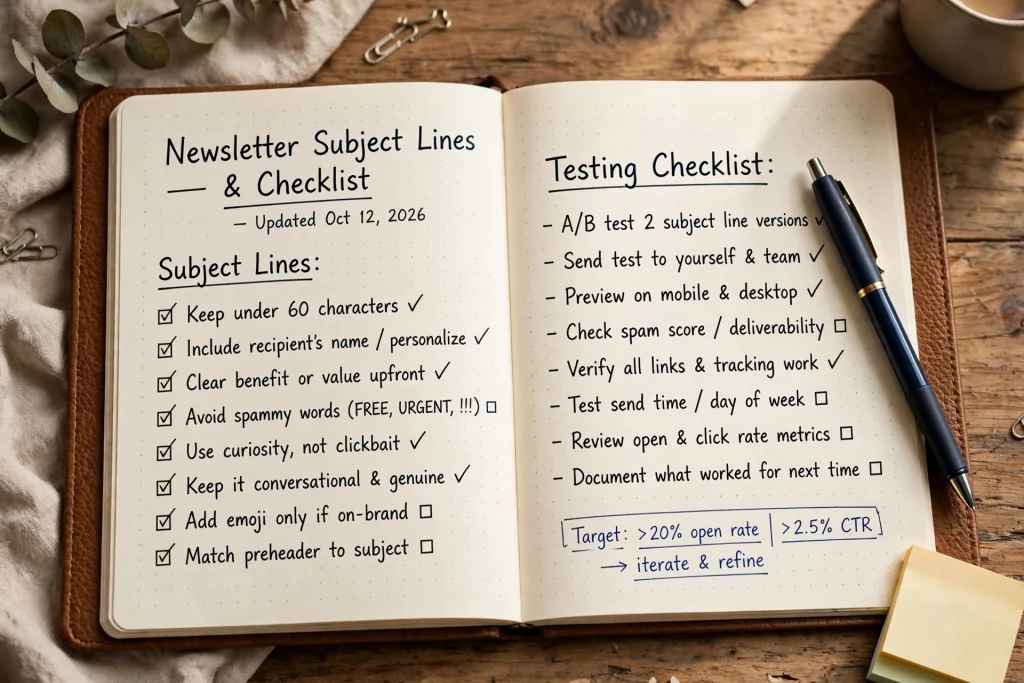
Subject lines are promises. If you break the promise inside, you lose trust. Clickbait gets an open once. Then an unsubscribe.
What works instead? Specificity, curiosity, and a clear benefit. Keep them under 45 characters when you can. Test on mobile. Most opens happen there, per Litmus data on email clients.
Here are 15 formulas I use. I rotate them. No hype:
- The 10-minute fix for [common problem]
- Why we stopped doing [popular tactic]
- 3 replies that changed our community
- Steal my [time-bound] checklist
- The email I almost did not send
- How [member name] got [specific win]
- Open rate dropped. Here is why.
- One question, 28 replies
- Behind the scenes: [process]
- What we learned from [event]
- The 1-line welcome that lifts replies
- Thursdays at 9am: what actually happens
- New: [resource] for [specific person]
- I tested 4 subject lines. This won.
- Your community does not need more content
Preheader tips (the small text next to subject):
- Do not repeat the subject line.
- Use it to add specificity: “Plus: member spotlight and one question.”
- Keep preheader under 90 characters.
- Test preheader + subject together as one sentence.
More examples live in my how to write subject lines guide.
My opinion: Subject lines with numbers and time constraints perform best for me. Not because they are tricks. Because they set a clear expectation. “10 minutes” tells the reader this will be quick.
Content Ideas That Keep People Reading
If you only share links, people stop opening. If you only share updates, people get bored. Mix formats. Keep it human.
10 ideas that have worked for my community letters:
- Member wins: “Priya shipped her first workshop. 18 attendees. Here is her template.” Wins inspire more than advice.
- Quick polls: One question poll using your email tool. Share results next week. People love to see where they stand.
- Behind the scenes: Show your actual writing process, not a polished story. Screenshot your draft with messy notes.
- AMA recap: One great question from your community AMA and your short answer. Link to full AMA.
- Resource roundup – but curated: Not 8 links. 2 links max, with why each matters in one sentence.
- Failure log: What did not work this month? Share it. Vulnerability builds engagement faster than wins.
- Templates: Give away a welcome email template or a community guideline snippet. Practical beats inspirational.
- Office hours notes: 3 bullets from your last community call. People who missed it feel included.
- One tool, honestly reviewed: Not a sales pitch. What you liked, what you did not. Link to best newsletter tools comparison for details.
- Challenge: A tiny 15-minute challenge for the week. “Reply with one subject line you are testing.”
Each idea should tie back to one promise: help your reader run a better community. If it does not, cut it.
My opinion: Polls and member wins drive the most replies for me. More than any clever writing trick. People want to participate, not just consume.
The Send System I Use Now
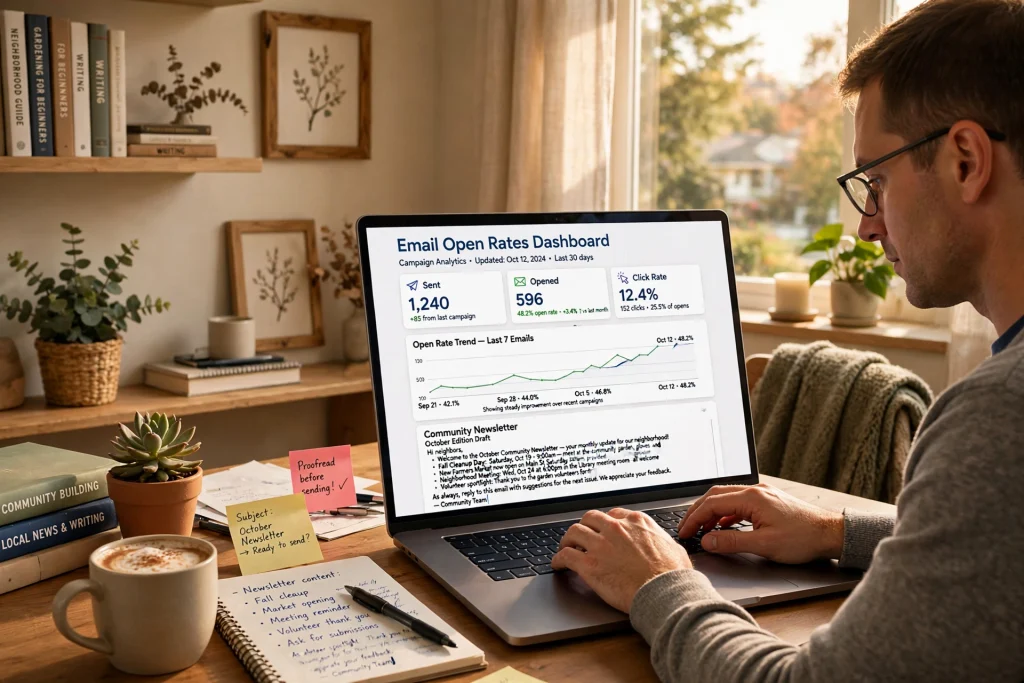
Tools do not make a newsletter good. But the wrong tool makes good work hard. I have used four tools for community newsletters. Each has trade-offs.
| Tool | Best For | Segmentation | Starting Price |
|---|---|---|---|
| ConvertKit | Creators who need automation + forms | Strong, tag-based | Free tier, then paid |
| Beehiiv | Growth features + referral | Good, improving fast | Free tier, then paid |
| Mailchimp | Small business with templates | Good but complex UI | Free tier limited |
| Substack | Writers who want simplicity | Basic | Free, takes fee on paid |
Full breakdown with pros and cons is in my best newsletter tools comparison.
Send time testing:
- Start with Thursday 9am local time for B2B communities, Saturday 8am for creator communities. These are starting points, not rules.
- Test one variable at a time. Same subject, different time. Or same time, different subject.
- Run test for 4 weeks before deciding. One week is noise.
- Check timezone of your list. If your community is global, pick a time that works for your core 60%.
Segmentation I actually use:
- New subscribers (0-14 days): welcome sequence only.
- Active (opened last 2 of 4): weekly main issue.
- Dormant (no open in 60 days): re-engagement once a month, not weekly.
Automation that helps without feeling robotic:
- Welcome: 2 emails.
- Tag by interest from a link click. Example: clicked “events” goes to events segment.
- Auto-send archive link after 7 days for people who missed.
My opinion: I use ConvertKit for my main community list because tagging is simple. But I would switch if my list was mostly readers, not community members. Substack is better for pure reading experience. Choose based on your community behavior, not hype.
Measuring and Improving
You cannot improve what you do not track. But you can also track too much. Track four things. Act on two.
What to track weekly:
- Delivery rate (should be 98%+). If lower, check authentication and list quality.
- Open rate trend (not absolute number). Is it stable or dropping?
- Click rate and click-to-open rate.
- Reply rate and unsubscribes.
A/B testing checklist I use before every send:
- ☐Subject line A vs B (only test subject, keep preheader same)
- ☐One CTA link vs text link? (Track clicks)
- ☐Preview on mobile and dark mode (Litmus or your tool preview)
- ☐Proofread for broken links and typos
- ☐Unsubscribe and address in footer visible
Cleaning your list: Every 90 days, remove or re-engage people who have not opened in 90 days. Do not keep dead emails to inflate numbers. Gmail and other providers watch engagement. A smaller engaged list delivers better than a large unengaged one. This aligns with guidance from Gmail Bulk Sender and FTC.
The Nielsen Norman Group also notes that people scan emails in an F-pattern. Put your most important promise in the first two lines. Put your question near the end where scanning slows. I have tested this. It increases replies.
My opinion: I clean my list every quarter. It feels scary to remove people. But my deliverability and reply rate improve every time. Keep people who want to hear from you.
FAQ – Community Newsletter That Gets Opened
How often should I send my community newsletter?
Start weekly. Same day, same time. Weekly is frequent enough to build habit, but not so frequent that you run out of good ideas. If you cannot sustain weekly, send every two weeks. Consistency beats frequency. I tried daily once and burned out in three weeks.
What is a good open rate for a community newsletter?
Fact: Benchmarks vary by industry and are published by Campaign Monitor and others. Opinion: For a tight community, I aim for stability over a specific number. If your open rate is stable over 8 weeks and your reply rate is healthy, you are doing well. Focus on trend, not a single percentage.
Should I use double opt-in?
Yes, if your tool supports it and you want higher quality. You will get fewer subscribers but better engagement and fewer spam complaints. This helps with Gmail deliverability and aligns with best practices noted by authoritative email providers.
How long should my newsletter be?
Keep the email under 350 words. Link to longer posts. People read email on phones. Short paragraphs win. If you have more to say, publish it as a post and summarize it in the newsletter with one clear takeaway. My best performing issues are 260 to 310 words.
What tools do you recommend for beginners?
Start simple. Substack if you want to write and not think about automation. ConvertKit if you want tags and a welcome sequence. Beehiiv if you want referral growth. All have free tiers. Pick one and stay for 6 months. Switching tools too often hurts more than it helps. See my full comparison at /best-newsletter-tools/.
How do I get more replies?
Ask one specific question and reply to every answer for the first 48 hours. Make the question easy to answer in one sentence. Example: “What is one email you opened this week and why?” Also, share replies (with permission) next week. People reply when they see replies matter.
Final Thoughts – A Sustainable Rhythm
Running a community newsletter is not about sending the perfect email. It is about showing up. Week after week. With one useful thing.
I keep a simple system now. Sunday I collect notes from community calls. Monday I draft 300 words using the 5-part framework. Tuesday I edit and pick a subject line from my list of formulas. Thursday 9am I send. Friday I reply to everyone who responded. That is it.
It is not fancy. It is sustainable. Sustainable beats brilliant. A newsletter you can keep sending for 12 months will beat a brilliant one you quit after 6 weeks.
Start small this week. Pick one idea from the Content Ideas list. Write 250 words. Ask one question. Send to your active segment. Then reply to every reply. That single loop will teach you more than any course.
If you want to go deeper, here are the next steps:
- Read how I build my list without buying contacts.
- Browse community engagement ideas that drive replies.
- Compare tools in best newsletter tools.
- Study subject lines in how to write subject lines.
My opinion: Your community does not need another newsletter. They need your newsletter. The one only you can write, with the voice only you have, about the people you actually know. Write that one.
Thanks for reading this far. If you try the framework, hit reply and tell me what you sent. I read every reply.
References & Further Reading
- Litmus – Email Client Market Share – reports on where emails are opened and privacy impacts
- Campaign Monitor – Email Benchmarks Report – yearly industry data on engagement trends
- Google – Gmail Bulk Sender Guidelines – authentication, unsubscribe, spam rate guidance
- Nielsen Norman Group – Email Newsletter Usability – research on scanning and readability
- FTC – CAN-SPAM Act Compliance Guide – legal requirements for commercial email
I write about running small, engaged communities. I have sent weekly community letters for 3 years. I share practical systems, not theory. My focus is on trust, replies, and sustainable rhythm. Experience shared here comes from running real community lists and learning from low open rates, not from fabricated case studies.
Disclaimer: This post is about email marketing and community building. It does not contain medical advice. All examples are illustrative and based on the author’s community experience. Results vary. For legal compliance, review FTC CAN-SPAM and Gmail Bulk Sender Guidelines directly. References to Litmus, Campaign Monitor, Nielsen Norman Group are for informational context, not endorsement.

Pingback: Starting A Community With Zero Followers: A Beginner's Guide - JoinHere