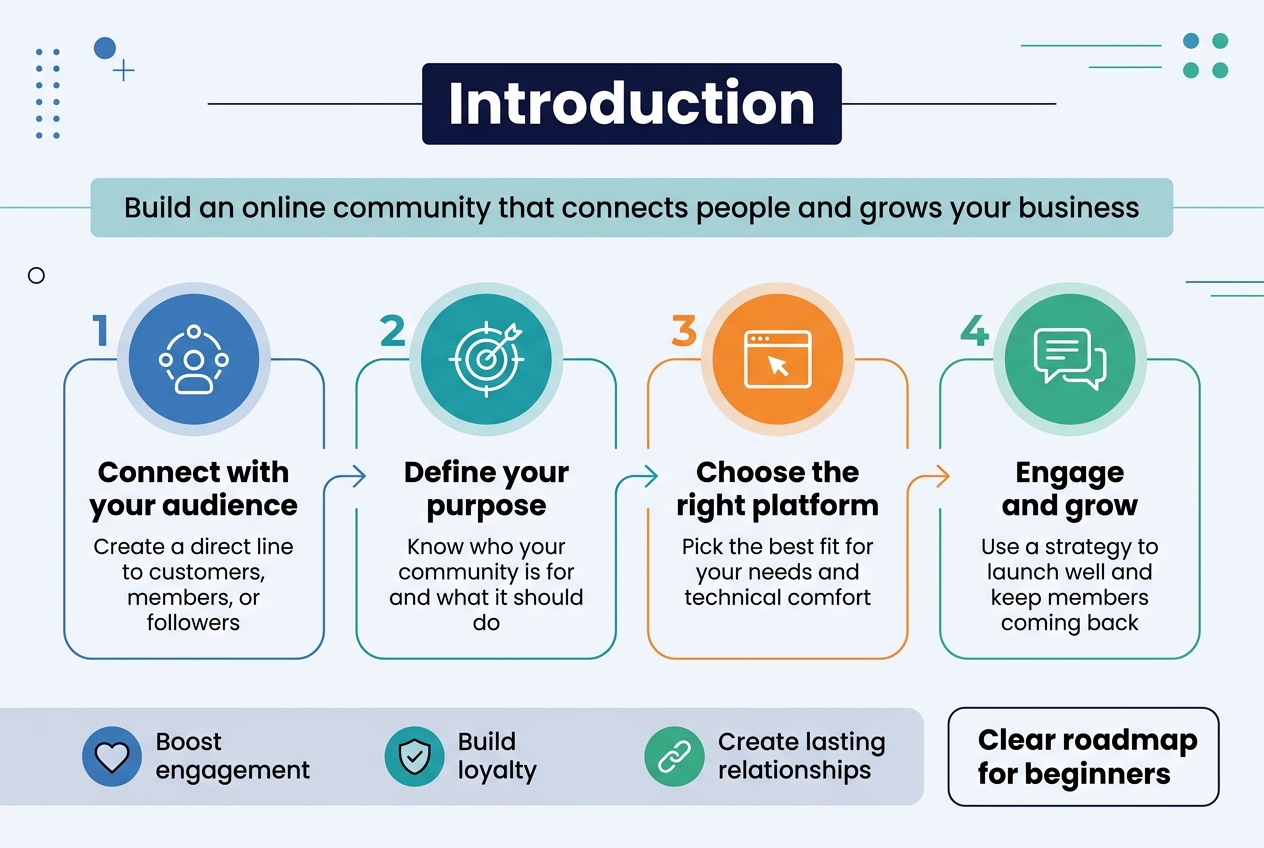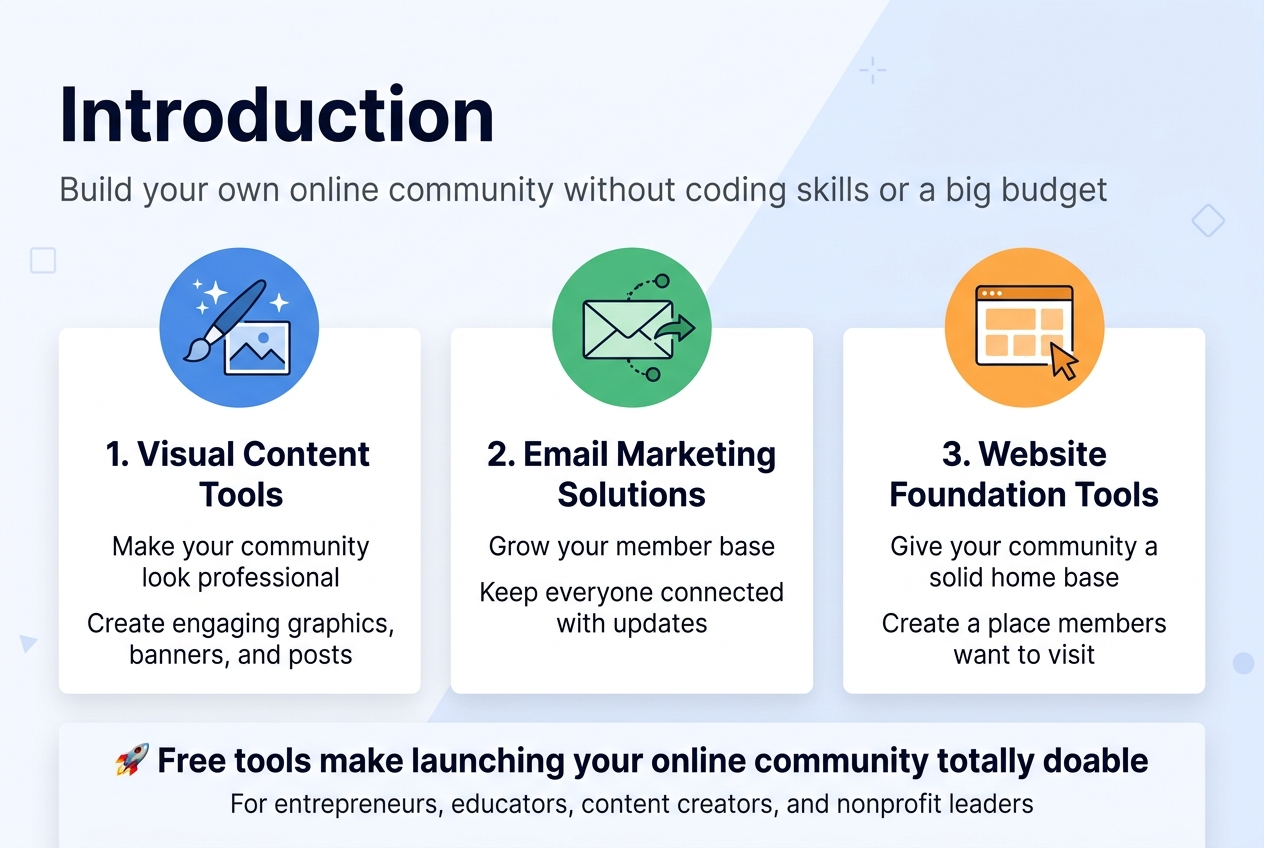
Building your own online community doesn’t have to drain your budget or require coding skills. This guide is for entrepreneurs, educators, content creators, and nonprofit leaders who want to connect their audience in meaningful ways without spending a fortune on premium platforms.
Starting an online community can feel overwhelming, but the right free tools make it totally doable. You can launch a thriving space where your people gather, share ideas, and build real relationships – all while keeping costs low.
We’ll walk you through essential visual content tools that make your community look professional and engaging. Then we’ll cover email marketing solutions that help you grow your member base and keep everyone connected. Finally, we’ll explore website foundation tools that give your community a solid home base where members actually want to hang out.
Ready to turn your vision into reality? Let’s dive into the free tools that can get your online community up and running today.
Premium Community Platforms Worth the Investment
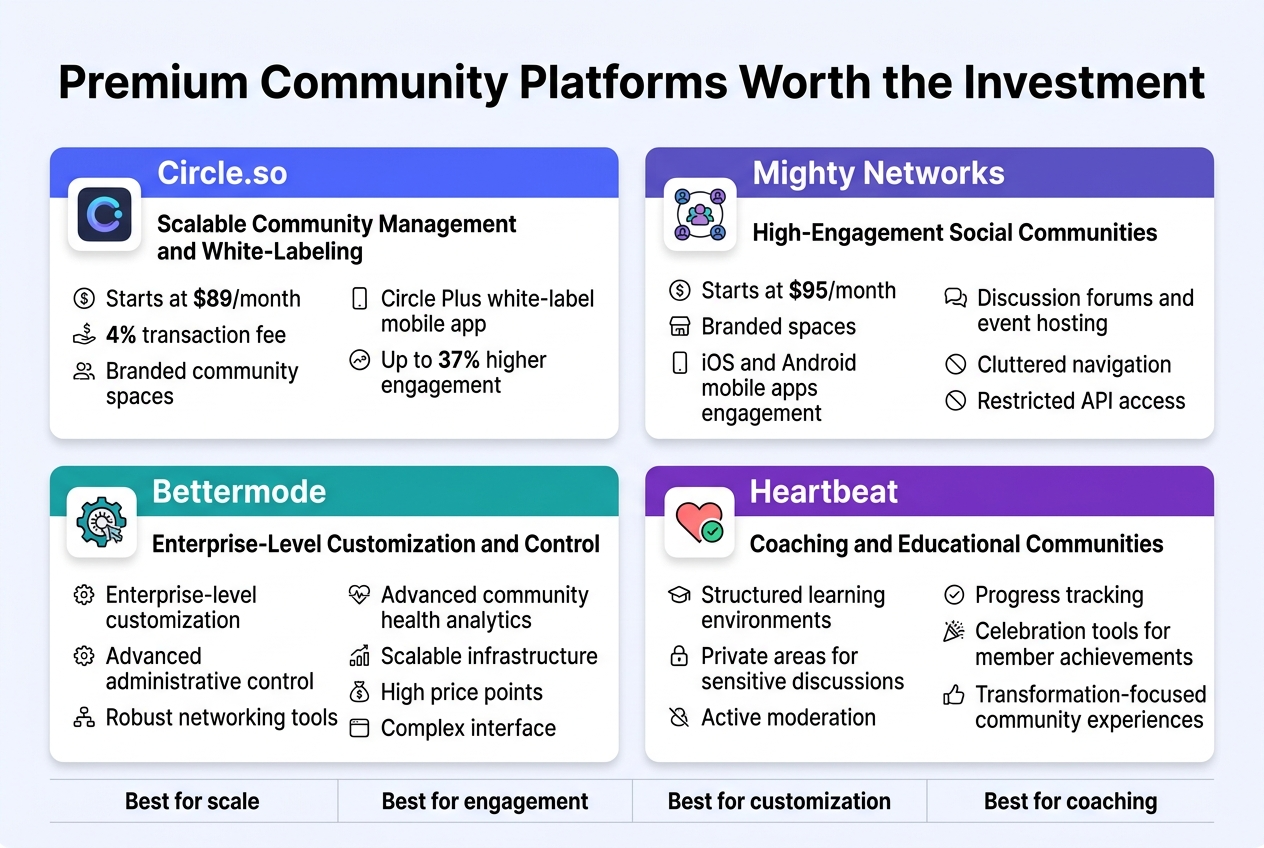
Circle.so for Scalable Community Management and White-Labeling
Circle dominates the premium community platform space with its comprehensive approach to community building and monetization. Starting at $89 per month on the Professional plan with a 4% transaction fee, Circle provides creators with branded community spaces, flexible payment structures, and advanced AI-powered management tools. The platform’s standout feature is its white-label mobile app capability through Circle Plus, enabling communities to publish under their own brand in app stores – a critical differentiator that drives up to 37% higher engagement compared to browser-based alternatives.
Mighty Networks for High-Engagement Social Communities
Mighty Networks positions itself as the go-to solution for creators building network-based communities with strong social interaction elements. With pricing starting at $95 per month, the platform combines community building with content monetization tools, offering branded spaces, mobile apps for iOS and Android, and comprehensive analytics for tracking member engagement. The platform excels in creating vibrant discussion forums and event hosting, though it faces limitations with cluttered navigation and restricted API access for advanced integrations.
Bettermode for Enterprise-Level Customization and Control
While specific pricing details require direct consultation, Bettermode targets enterprise-level organizations requiring extensive customization and administrative control. The platform provides robust networking tools, advanced analytics for community health tracking, and scalable infrastructure designed for large organizations and professional associations. However, the high price points and complex interface may present barriers for smaller communities or startups seeking more accessible solutions.
Heartbeat for Coaching and Educational Communities
Heartbeat specializes in serving coaches and educational communities with features tailored for structured learning environments and member transformation tracking. The platform emphasizes creating safe spaces for sensitive topic discussions through private areas and active moderation capabilities. With integrated progress tracking and celebration tools for member achievements, Heartbeat addresses the growing demand for transformation-focused community experiences that go beyond simple content consumption.
All-in-One Solutions for Educators and Entrepreneurs
Kajabi Communities for Complete Marketing and Sales Integration
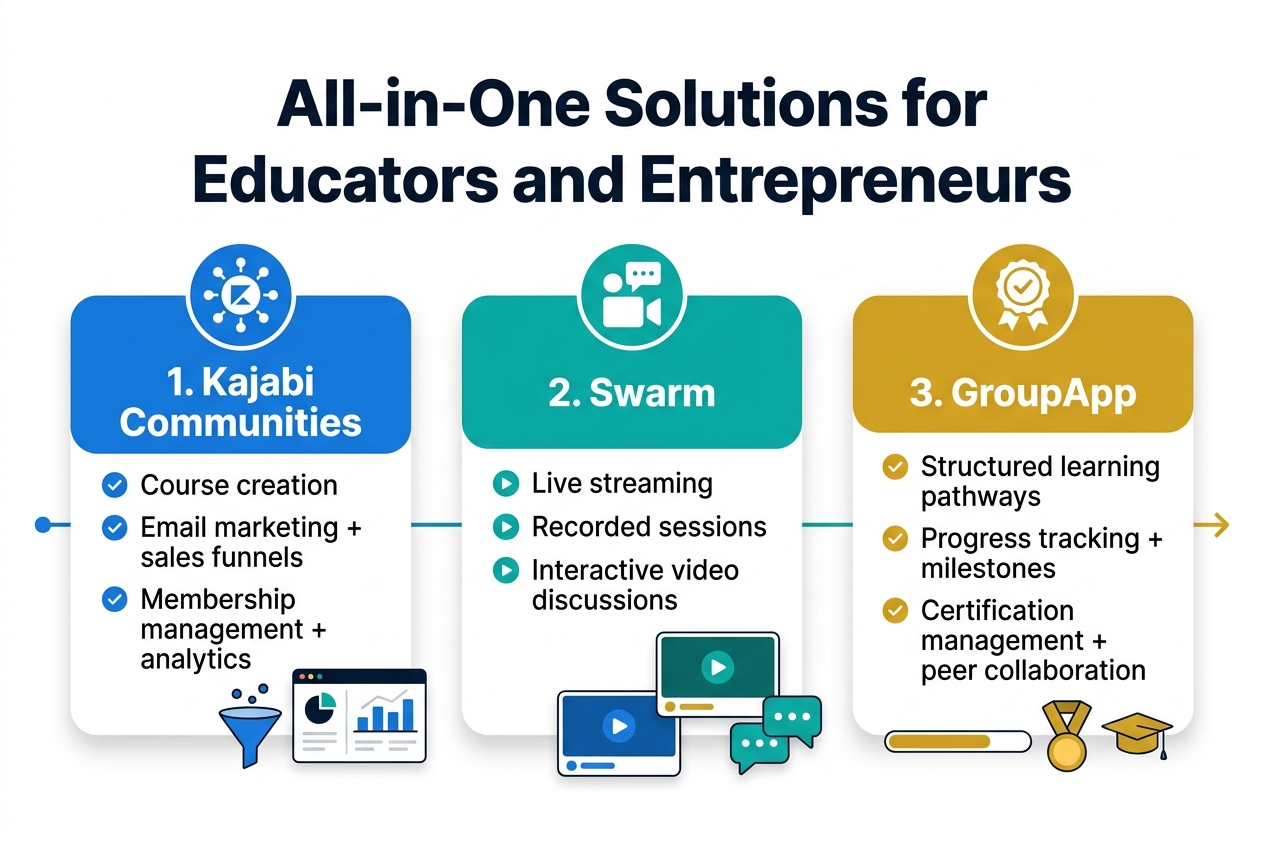
Kajabi positions itself as a centralized hub for creators who want to merge education, marketing, and business tools into one platform. Known for its all-in-one design, Kajabi simplifies the complexity of running a digital business by combining course creation, email marketing, sales funnels, and membership management within a single ecosystem. The platform’s funnel builder designs marketing workflows that guide learners seamlessly from first interaction to enrollment, while integrated analytics provide real-time insights to understand audience behavior and improve conversions.
Swarm for Video-Centric Community Engagement
Now that we’ve covered Kajabi’s comprehensive approach, video-centric platforms offer specialized engagement opportunities for visual learners. Video-focused community solutions enable educators to create immersive learning experiences through live streaming, recorded sessions, and interactive video discussions that foster deeper connections among participants.
GroupApp for Structured Learning and Certification Programs
With structured learning programs requiring dedicated management tools, specialized platforms focus on delivering organized educational pathways with built-in certification tracking. These solutions emphasize progress monitoring, milestone achievements, and credential management to ensure learners complete their programs while maintaining engagement through gamification and peer collaboration features.
Essential Visual Content Tools for Professional Community Branding
Free Stock Photography Platforms for High-Quality Images
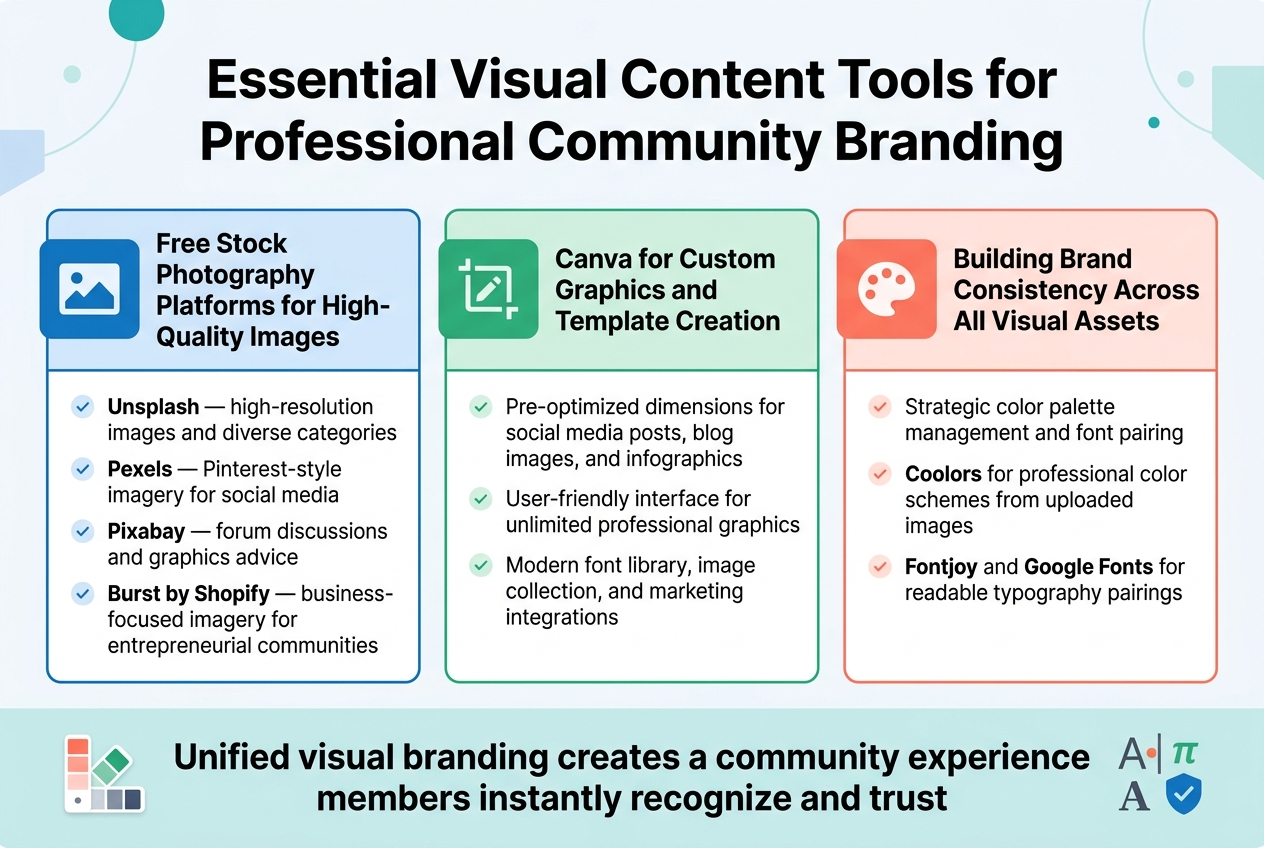
Unsplash and Pexels lead the free stock photography landscape, offering high-resolution images that deliver professional quality for community branding. Unsplash organizes content into diverse categories, making it easy to find relevant visuals, while Pexels provides Pinterest-style imagery perfect for social media platforms. Pixabay stands out by offering forum discussions where experts provide graphics advice, while Burst from Shopify delivers business-focused imagery ideal for entrepreneurial communities.
Canva for Custom Graphics and Template Creation
Canva emerges as the most versatile free design tool for community builders, offering pre-optimized dimensions for social media posts, blog images, and infographics. The platform’s user-friendly interface allows unlimited creation and downloads of professional graphics using their modern font library and image collection. With its wide range of marketing integrations, Canva enables rapid sharing across platforms while maintaining consistent visual quality throughout your community’s content ecosystem.
Building Brand Consistency Across All Visual Assets
Creating cohesive visual branding requires strategic color palette management and font pairing. Coolors generates professional color schemes that can extract palettes directly from uploaded images, ensuring brand consistency across all platforms. Font management tools like Fontjoy and Google Fonts provide perfect typography pairings that maintain readability while reinforcing brand identity. This systematic approach to visual elements creates a unified community experience that members instantly recognize and trust across all touchpoints.
Email Marketing Solutions to Grow Your Member Base
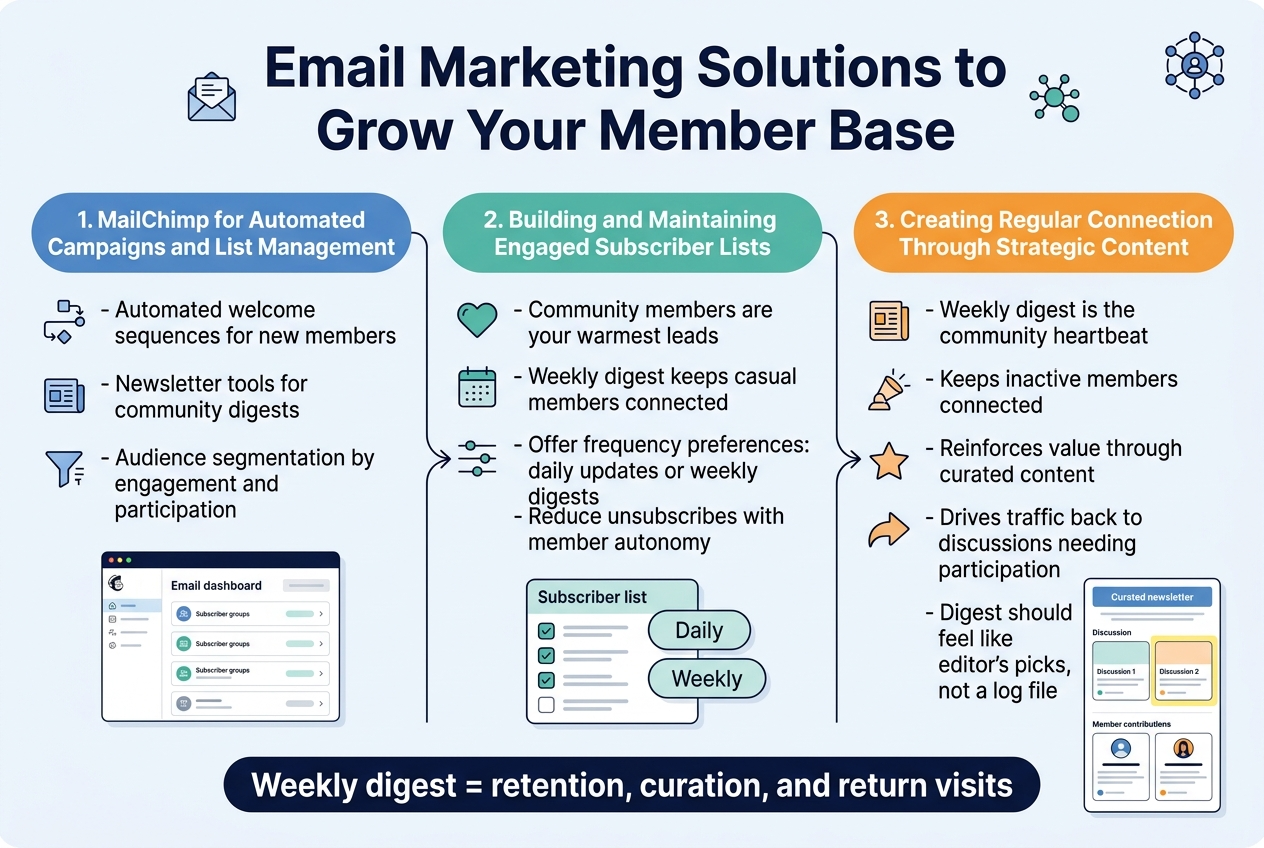
MailChimp for Automated Campaigns and List Management
MailChimp serves as a reasonable starting point for community-led growth, particularly for early-stage communities building their email programs. The platform offers basic automation capabilities that handle essential welcome sequences for new members, while its newsletter features effectively manage community digests. The audience management system provides fundamental member segmentation tools, allowing you to organize subscribers based on engagement levels and community participation patterns.
Building and Maintaining Engaged Subscriber Lists
Community members represent your warmest leads, requiring strategic list management that differs from traditional marketing approaches. The weekly community digest serves as your most important retention tool, keeping casual members connected between platform visits through curated content rather than comprehensive summaries. Effective subscriber management involves offering frequency preferences, allowing members to choose between daily updates and weekly digests while respecting member autonomy and reducing unsubscribes from high-volume communications.
Creating Regular Connection Through Strategic Content
Strategic email content for communities centers on the weekly digest as your community’s heartbeat, serving three critical purposes: keeping inactive members connected, reinforcing community value through curation, and driving traffic back to discussions needing participation. A quality digest functions like a magazine editor’s pick rather than a log file, highlighting the most interesting discussions and member contributions to create fear of missing out without overwhelming subscribers with comprehensive activity summaries.
Website Foundation Tools for Community Development
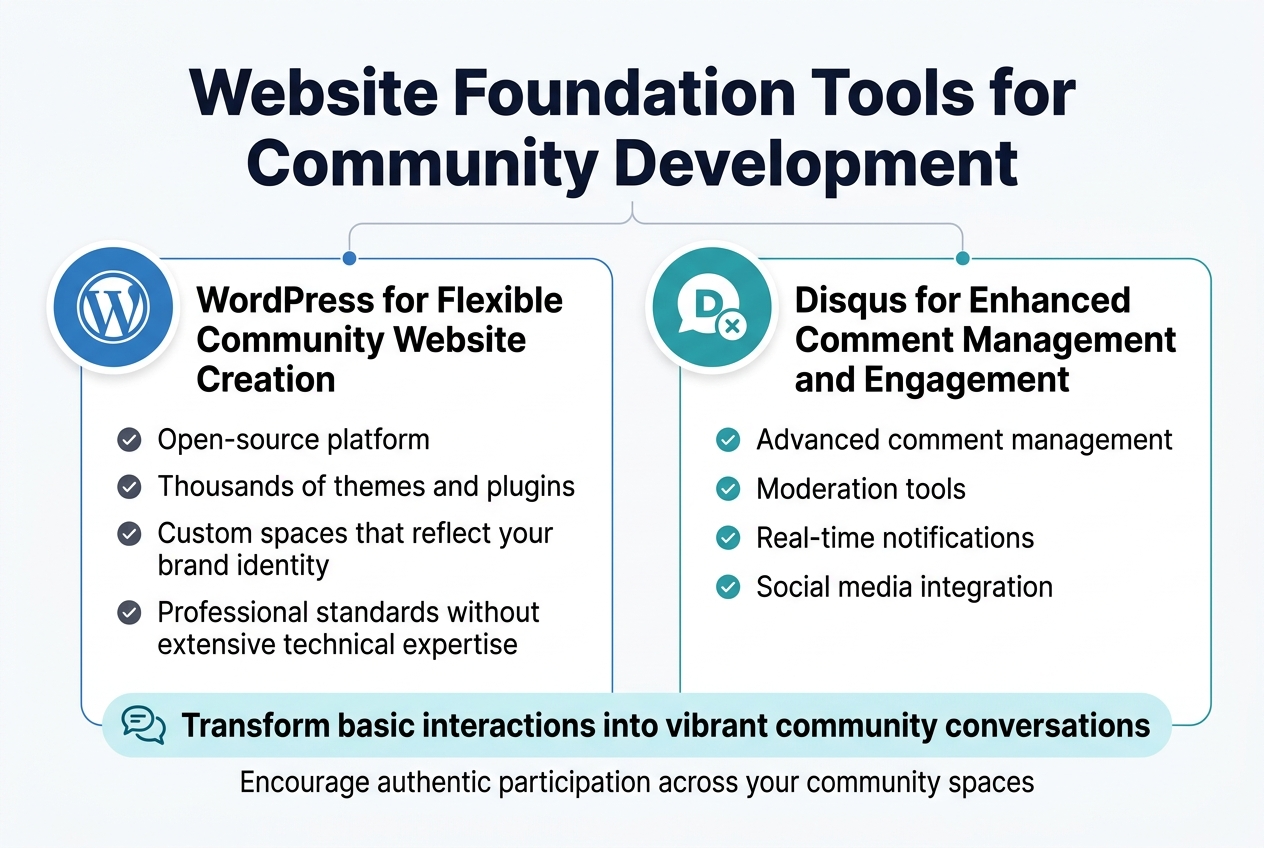
WordPress for Flexible Community Website Creation
WordPress serves as a powerful foundation for developing professional community websites without requiring extensive technical expertise. This open-source platform offers flexibility through thousands of themes and plugins specifically designed for community building, allowing you to create custom spaces that reflect your brand identity while maintaining professional standards.
Disqus for Enhanced Comment Management and Engagement
Previously discussed website foundations need robust engagement tools to foster meaningful discussions. Disqus provides advanced comment management capabilities that transform basic website interactions into vibrant community conversations. This platform offers moderation tools, real-time notifications, and social media integration, making it easier to manage member discussions while encouraging authentic participation across your community spaces.
Collaboration and Project Management Systems
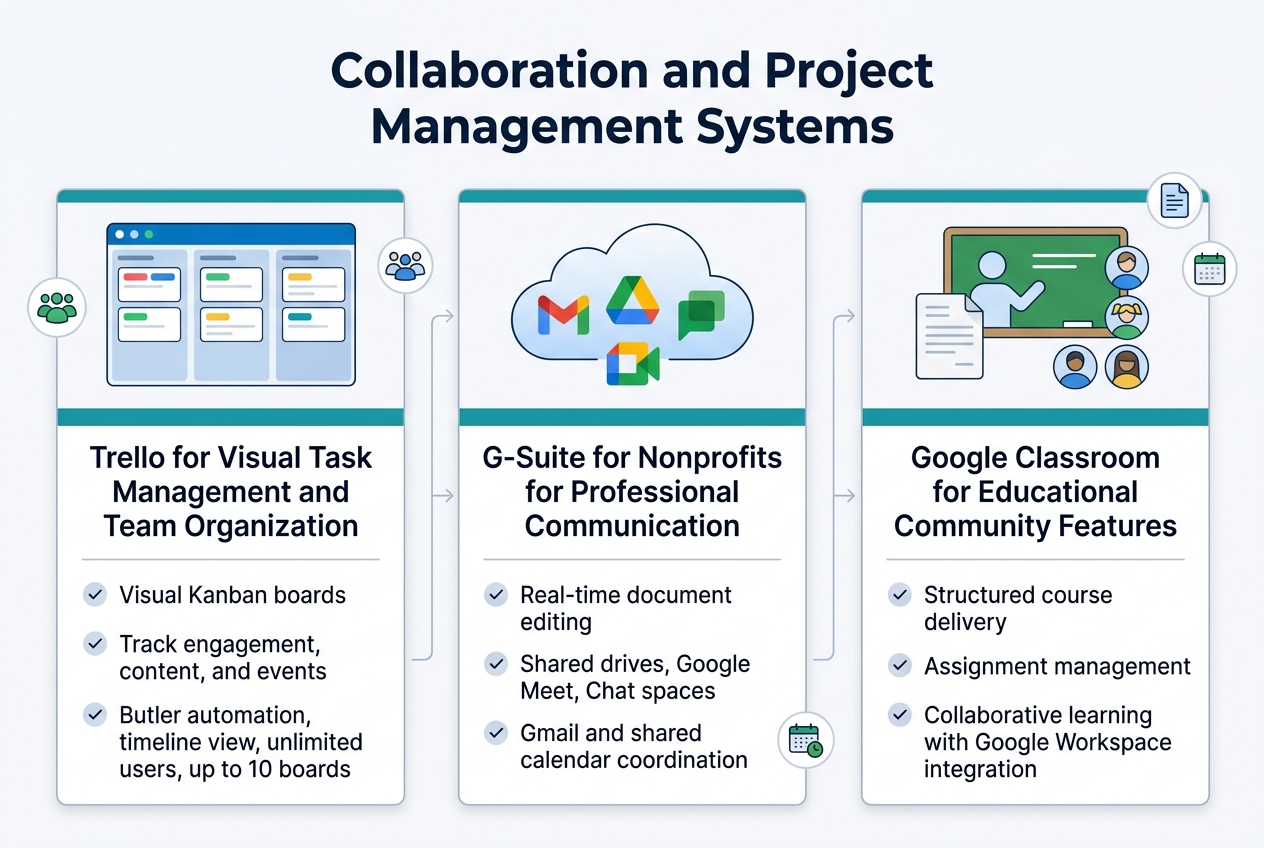
Trello for Visual Task Management and Team Organization
Trello’s Kanban board system provides an intuitive visual approach to collaboration and project management, making it ideal for small to mid-sized community teams. With its card-based structure, community managers can easily track member engagement initiatives, content creation workflows, and event planning tasks across customizable boards. The platform offers automation through Butler, timeline views for shifting priorities, and supports unlimited users on the free plan with up to 10 boards.
G-Suite for Nonprofits for Professional Communication
Google Workspace delivers comprehensive cloud-based collaboration capabilities essential for community development organizations. The integrated suite combines real-time document editing, shared drives for persistent file access, Google Meet for video conferencing, and Chat spaces for project discussions. This unified platform enables seamless communication across community stakeholders while maintaining professional standards through Gmail integration and shared calendar management for coordinated community events.
Google Classroom for Educational Community Features
Google Classroom extends beyond traditional education to serve learning-focused communities with specialized features for content distribution and member engagement. The platform facilitates structured course delivery, assignment management, and collaborative learning environments that educational communities require. With its integration into the broader Google Workspace ecosystem, community leaders can leverage familiar tools while maintaining organized communication channels and resource sharing capabilities for their educational initiatives.
Social Media Integration and Automation Tools
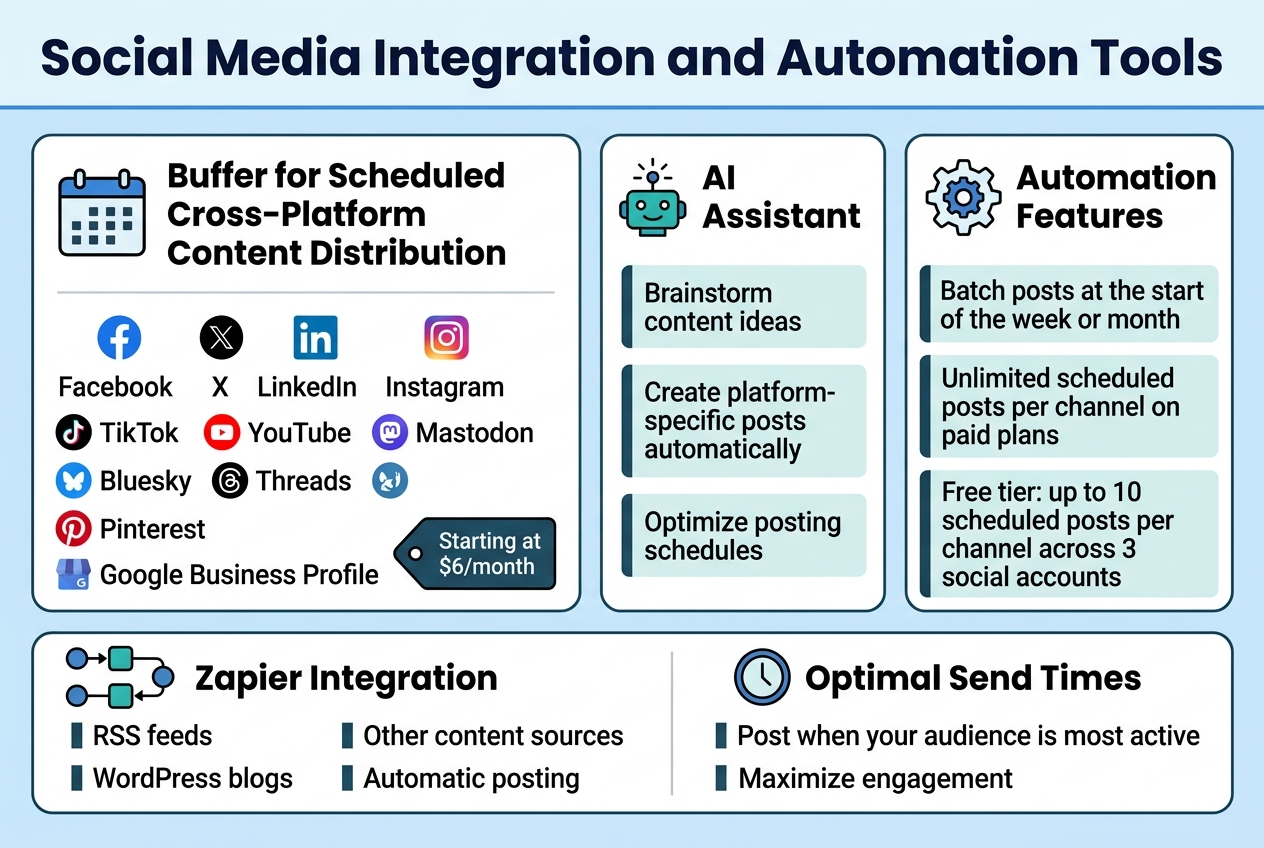
Buffer for Scheduled Cross-Platform Content Distribution
Buffer stands out as one of the most reliable scheduling tools for community builders, offering dead simple scheduling across Facebook, X, LinkedIn, Instagram, TikTok, YouTube, Mastodon, Bluesky, Threads, Pinterest, and Google Business Profile. With its per-channel pricing model starting at $6 per month, Buffer provides exceptional value for small communities managing multiple social accounts. The platform’s AI Assistant can brainstorm content ideas, create platform-specific posts automatically, and help optimize posting schedules across different networks.
Maintaining Consistent Online Presence Through Automation
With Buffer’s automation features, community managers can batch their social media posts at the start of the week or month and let them run automatically. The platform allows unlimited scheduled posts per channel on paid plans, while the free tier supports up to 10 scheduled posts per channel across three social accounts. Buffer’s integration with Zapier enables automatic posting from RSS feeds, WordPress blogs, or other content sources, ensuring your community maintains visibility even when you’re focused on other tasks. The AI-powered optimal send times feature helps maximize engagement by posting when your audience is most active.
Event Management and Member Participation Solutions
SignUpGenius for Community Event Organization
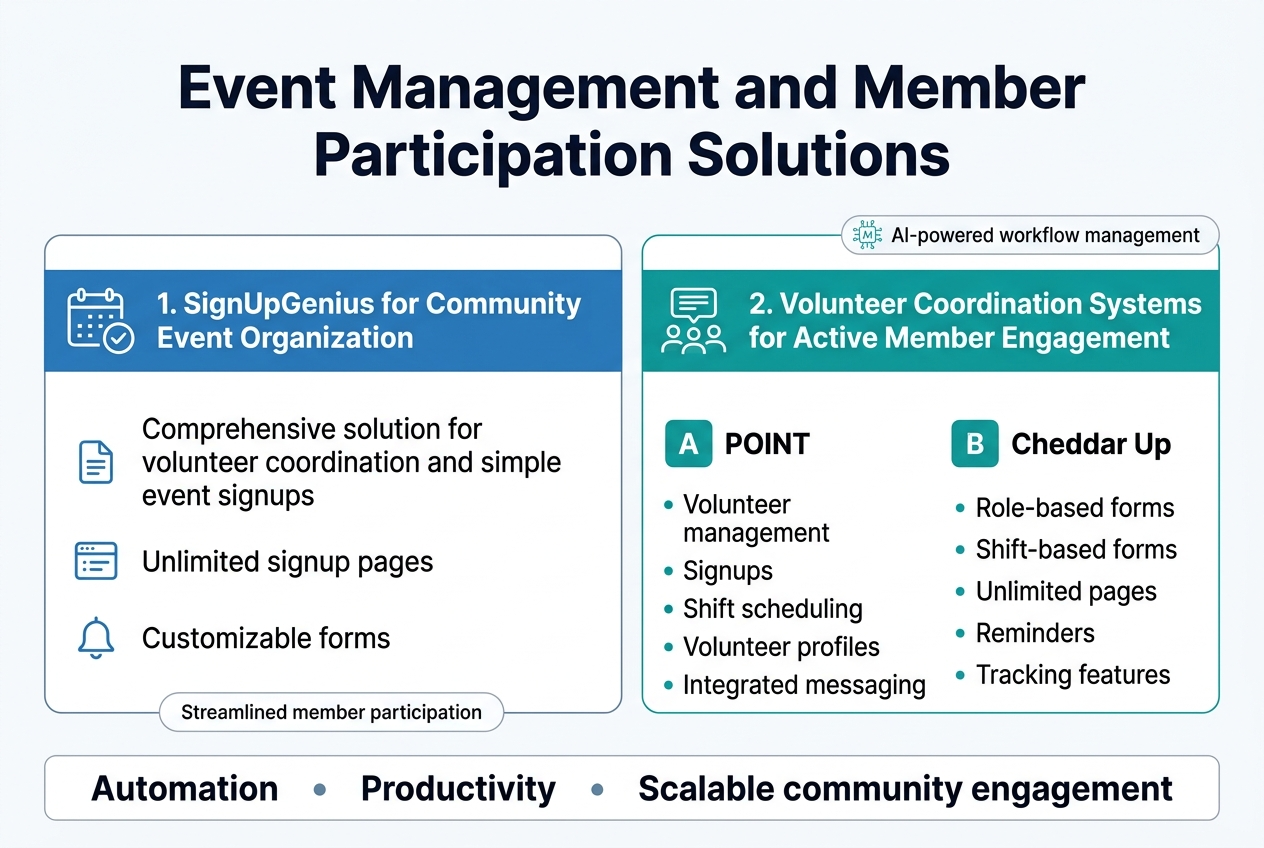
SignUpGenius stands out as a comprehensive solution for volunteer coordination and simple event signups, offering unlimited signup pages with customizable forms and automatic reminders. This platform excels in automation and productivity for community organizers who need streamlined member participation without complex ticketing systems.
Volunteer Coordination Systems for Active Member Engagement
POINT delivers robust volunteer management capabilities with signups, shift scheduling, volunteer profiles, and integrated messaging systems. For simpler use cases, Cheddar Up provides role-based and shift-based forms with unlimited pages, reminders, and tracking features. These artificial intelligence-powered systems enhance accessibility by automatically managing volunteer coordination workflows, making community engagement more scalable for organizations of all sizes.
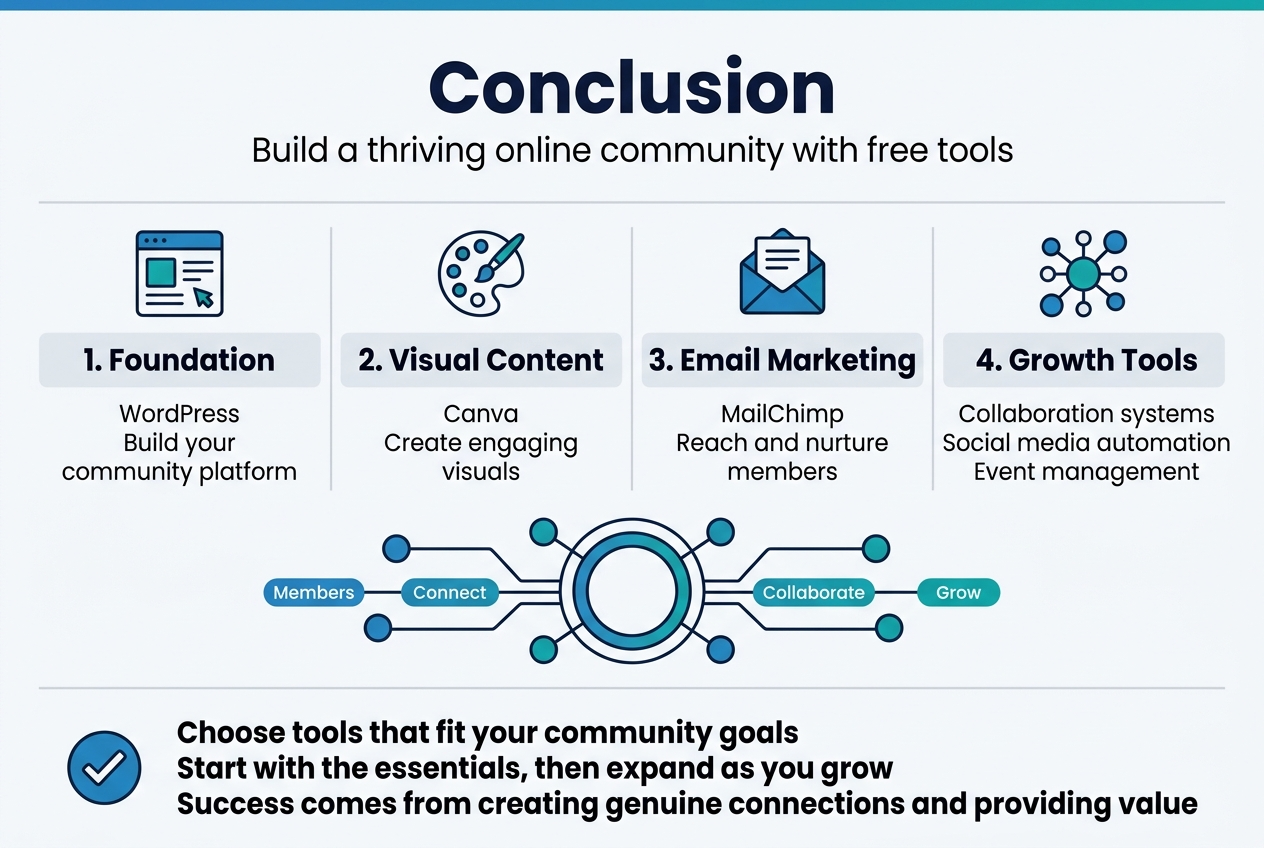
Building a thriving online community doesn’t require a massive budget or technical expertise. With the right combination of free tools spanning visual content creation, email marketing, website foundations, collaboration systems, social media automation, and event management, you can establish a professional and engaging community platform. These tools work together to create a cohesive ecosystem where your members can connect, collaborate, and grow together.
The key to success lies in choosing tools that align with your community’s specific needs and goals. Start with the essentials like WordPress for your foundation, Canva for visual content, and MailChimp for email marketing, then gradually expand your toolkit as your community grows. Remember, the most important element isn’t the tools themselves, but how you use them to foster genuine connections and provide value to your members. Begin today with these free resources and watch your online community flourish.